Frequently Asked Questions About Our Mobile App

- How do I download the BrighterMonday Android App?
You can download the Android app from the Google Play Store. Simply search for "BrighterMonday" and tap on the "Install" button to download the app to your device
- Do I need an account to apply for jobs?
To get the most out of our platform you will need to create an account. The app is completely free to download and use. There are no hidden charges or subscription fees.
- How do I sign in /Register on the app?
Click the drop-down menu on the top left corner of the screen
Go to "Log In" on the list
Click "SIGN UP" if you don't have an account yet.
- What do I need in order to register on the app?
You will need to fill in these details to finish the first step of your registration process:
Phone Number
Phone Number
Preferred Location
Date of birth
Gender
A strong password
- What are the Key features of the app?
On the Application, you can:
Create your profile and show off your skills
Apply for jobs quickly
Create job alerts that match your needs
View a record of the jobs you have applied for and the status of the job application
You can also save jobs that interest you and come back later to apply.
- How do I update my seeker profile on the app
On your dashboard, click the “ Edit my profile” button and it will take you to a screen where you can update your details
- How do I apply for jobs?
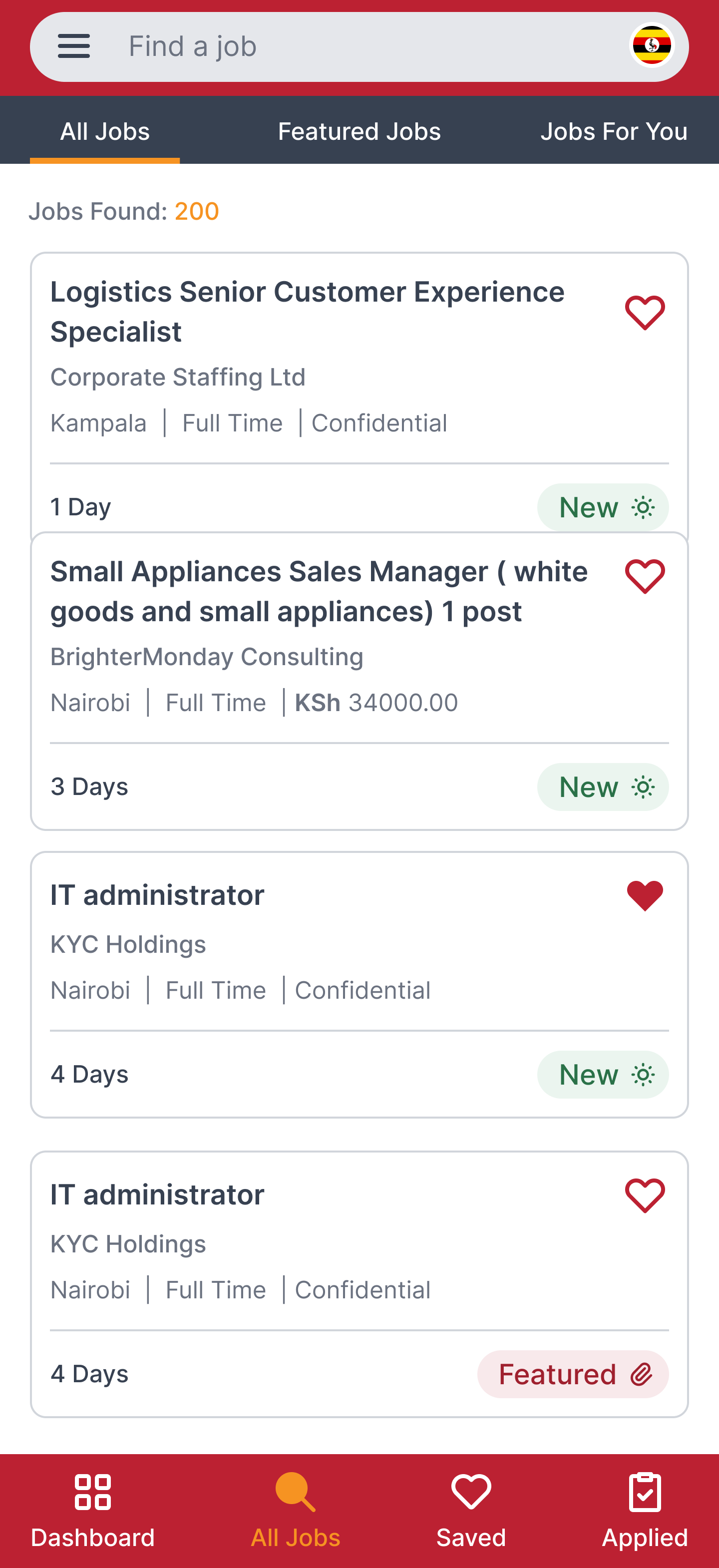
Go to "All Jobs", search through the jobs listed to find the ones you fit in, then click "Apply'
- Do I have to apply for all jobs through BrighterMonday app or go off the platform?
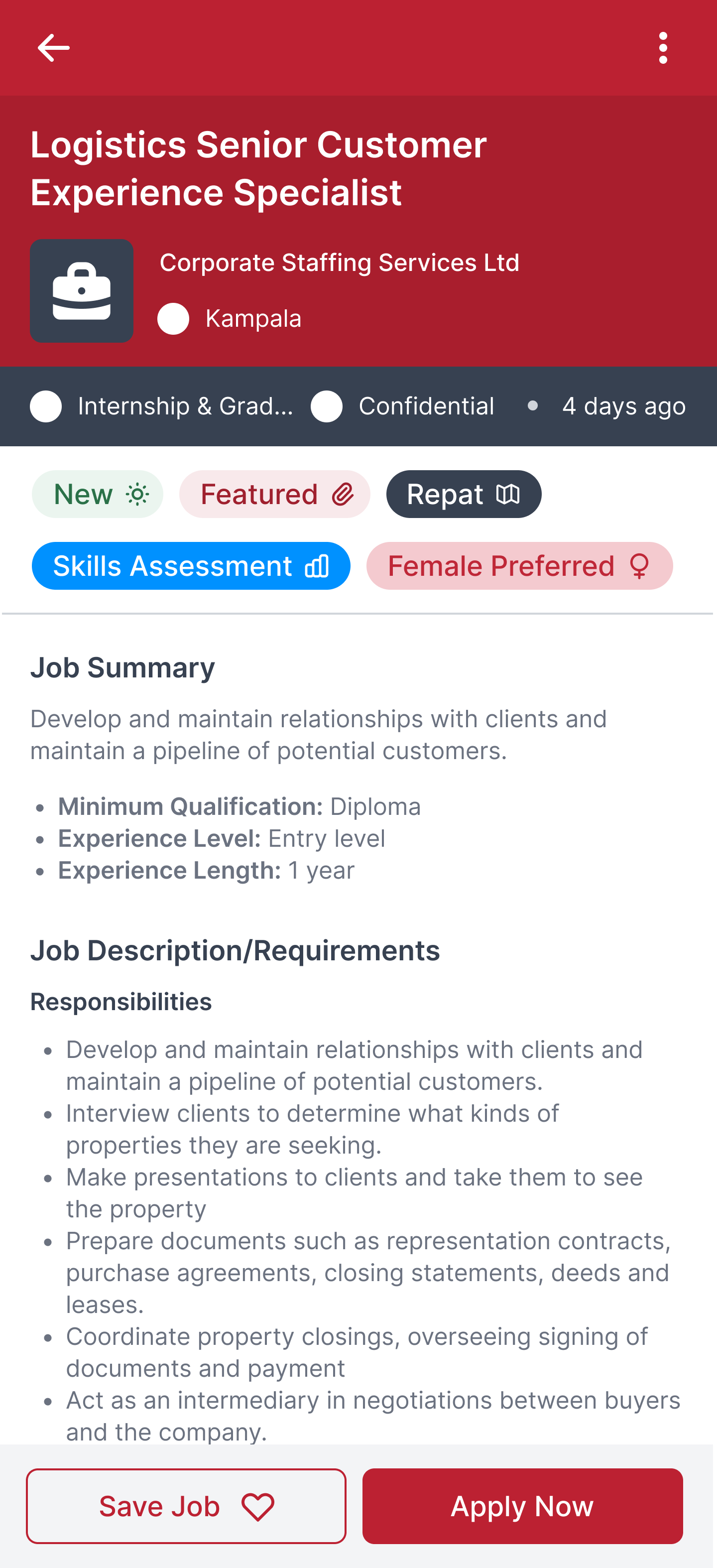
For jobs provided by employers through BrighterMonday, you will be able to apply directly with your CV and BrighterMonday profile. For job listings that provide a link to apply on a different website, you will need to complete the application process on the other website.
- Is there a limit to the number of jobs I can apply for ?
No, there is no limit to the number of jobs you can apply to. Your Profile is forwarded to the employer for every application you make
- How do I save jobs on the app?
To save your job on the app, all you need to do is click the heart icon on the job you want to save and your job will be saved automatically.
- What if I don't find jobs that match my skills on the BrighterMonday app?
If jobs matching your profile are not immediately available, you can create job alerts.that mention your Key Skills, experience, functional area and we will send you jobs matching these criteria when they are posted
- How do I create job alerts on the app?
On the bottom menu, click on the saved icon then navigate to job alerts. Click the plus icon to create a new alert
- How do I Reset my password?
Click the drop-down menu on the top left corner of the screen
Go to "Log In" from the list
Click "Sign In with your Email"
Click "Forgot Password"